
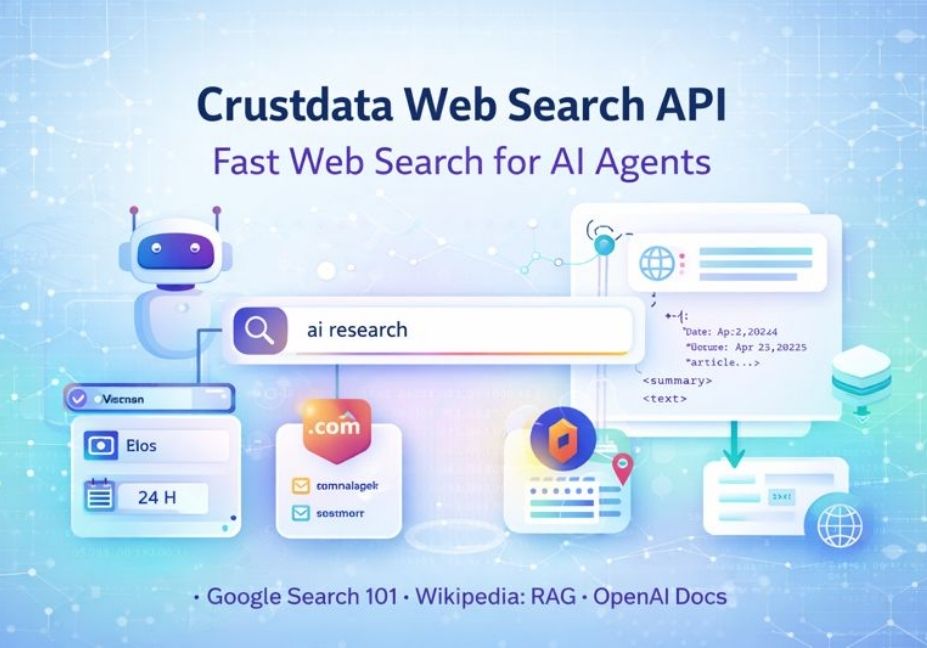
Crustdata Web Search API: Best Way to Give AI Agents Real Web Results
If you are building an AI agent, you already know the hard part: the agent needs the web.
But regular search tools are made for humans. An AI agent needs search that is fast, clean, and easy to control. That is what Crustdata Web Search API is made for. Crustdata says this API turns the web into structured, live data for AI agents.
In this guide, you will learn what it is, what it does, and when to use it.
What is Crustdata Web Search API?
Crustdata Web Search API is a web search API for AI agents. It helps an agent search across the web and get results in a way software can use. Crustdata positions it as “the API for AI agents to access the internet.”
Crustdata also shares that it can be used to:
- find relevant websites
- research founders
- stay updated on company launches or product changes
- evaluate candidate skills and experience
|| Also read Agentic AI Roadmap 2026: From Zero to Expert Level
What you can control in search results
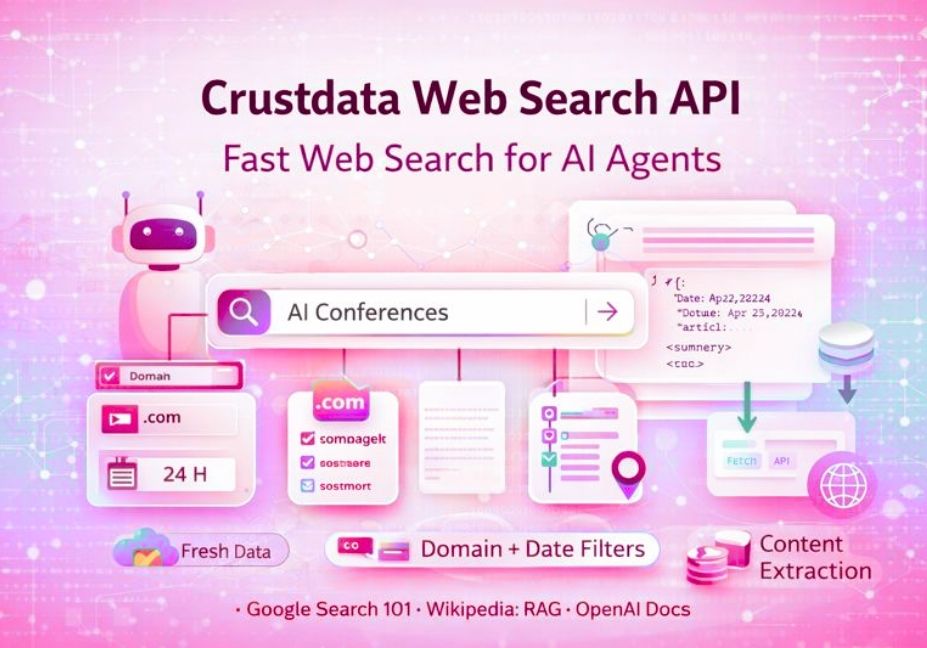
When an agent searches the web, you often want rules like: “only show results from these sites” or “only show posts from the last day.”
Crustdata highlights controls such as filtering by:
- website domains
- date posted
- sources
- geo location
This is useful for building repeatable workflows, not one-off searches.
Search is step one. Reading pages is step two.
Search results are only the start. Your agent usually needs the page content too.
Crustdata has a Web Fetch API that fetches a page’s title and full HTML from a list of URLs, and it supports up to 10 URLs in one request.
This matters for tasks like:
- turning web pages into text for RAG
- pulling product docs or pricing pages
- saving sources for later review
Where this fits in an AI stack (in plain words)
If you are building anything like:
- a RAG system (Retrieval-Augmented Generation)
- a research assistant
- an agentic workflow that runs steps automatically
…you often need the same flow:
- Search the web
- Pick good sources (using domain + date filters)
- Fetch page content
- Clean the text
- Store or summarize it
- Use it in answers, reports, or actions
Crustdata’s Web Search API + Web Fetch API cover steps 1 and 3.
Common ways teams use a web search API for agents
Competitive research
Search for:
- product announcements
- pricing changes
- competitor docs
- press releases
Crustdata’s Web Search API page highlights searching across things like news, blogs, press releases, product announcements, and documentation.
Recruiting research
Search for signals like:
- open-source creators
- research paper authors
- public work proof
Crustdata also describes using the API to evaluate candidate skills and experience.
Company research
Search for:
- founder background mentions
- recent company updates
- launch posts and product changes
FAQs
Is Crustdata Web Search API only for web search?
Crustdata offers other APIs too (company and people data), but the Web Search API is specifically positioned as a way for AI agents to search the internet and turn results into structured, live data.
Can I filter results by domain and date?
Yes. Crustdata highlights filtering by website domains and date posted, plus sources and geo location.
How do I get the full page after I find it in search?
You can use Crustdata’s Web Fetch API to fetch the page title and full HTML content for up to 10 URLs in one request.
Is this useful for RAG?
Yes. A common RAG flow is: search → fetch content → clean → chunk → embed → answer. Crustdata provides search plus a fetch endpoint for pulling content.
What does “structured web data” mean here?
It means results are returned in a format that software can use easily (like JSON-style structured responses), so your agent can store, rank, and act on the data without manual work.
Conclusion
Crustdata Web Search API is built for a simple goal: help AI agents use the web in a controlled, software-friendly way. Crustdata says it turns the web into structured, live data, and it supports filters like domain, date posted, sources, and geo location.
If you also need to read the pages you find, Crustdata’s Web Fetch API can fetch page titles and full HTML for up to 10 URLs at a time.